
Sales conversations are where buying signals emerge. A potential customer reveals their needs, voices concerns, drops hints about budget constraints, or signals readiness to buy. These moments, fleeting and nuanced, often determine whether a lead converts or goes cold.
Yet, a significant portion of this intelligence never translates into action.
Research highlights the scale of the problem: 80% of successful sales require five or more follow-up calls, but 48% of salespeople never make a single follow-up attempt, and 44% give up after just one.
Without systematic call analysis, sales teams can’t identify which conversations merit aggressive follow-ups, what objections keep surfacing, or which messaging resonates. Manual reviews don’t scale, and basic transcription misses the nuance of sentiment, engagement patterns, and conversational dynamics that separate closed deals from missed ones.
When organizations do analyze sales conversations systematically, the impact is measurable. Gartner reports that companies using AI for lead prioritization see up to 20% higher conversion rates, while analytics-led sales teams enjoy ~10% higher conversion performance overall compared to peers who don’t leverage structured intelligence.
This guide walks you through building an AI sales call analysis pipeline using NextNeural’s specialized agent architecture. You’ll learn how to process audio recordings, extract multi-dimensional insights, and integrate call intelligence into your workflow through a straightforward API.
Getting Started with AI Sales Call Analysis Agent
What You’ll Need
Before starting, gather these API credentials:
- OpenAI API Key
- Replicate API Key
Setting Up Your NextNeural Environment
- Create Your Account
Head to NextNeural and sign up. Expect 18-24 hours for account activation.

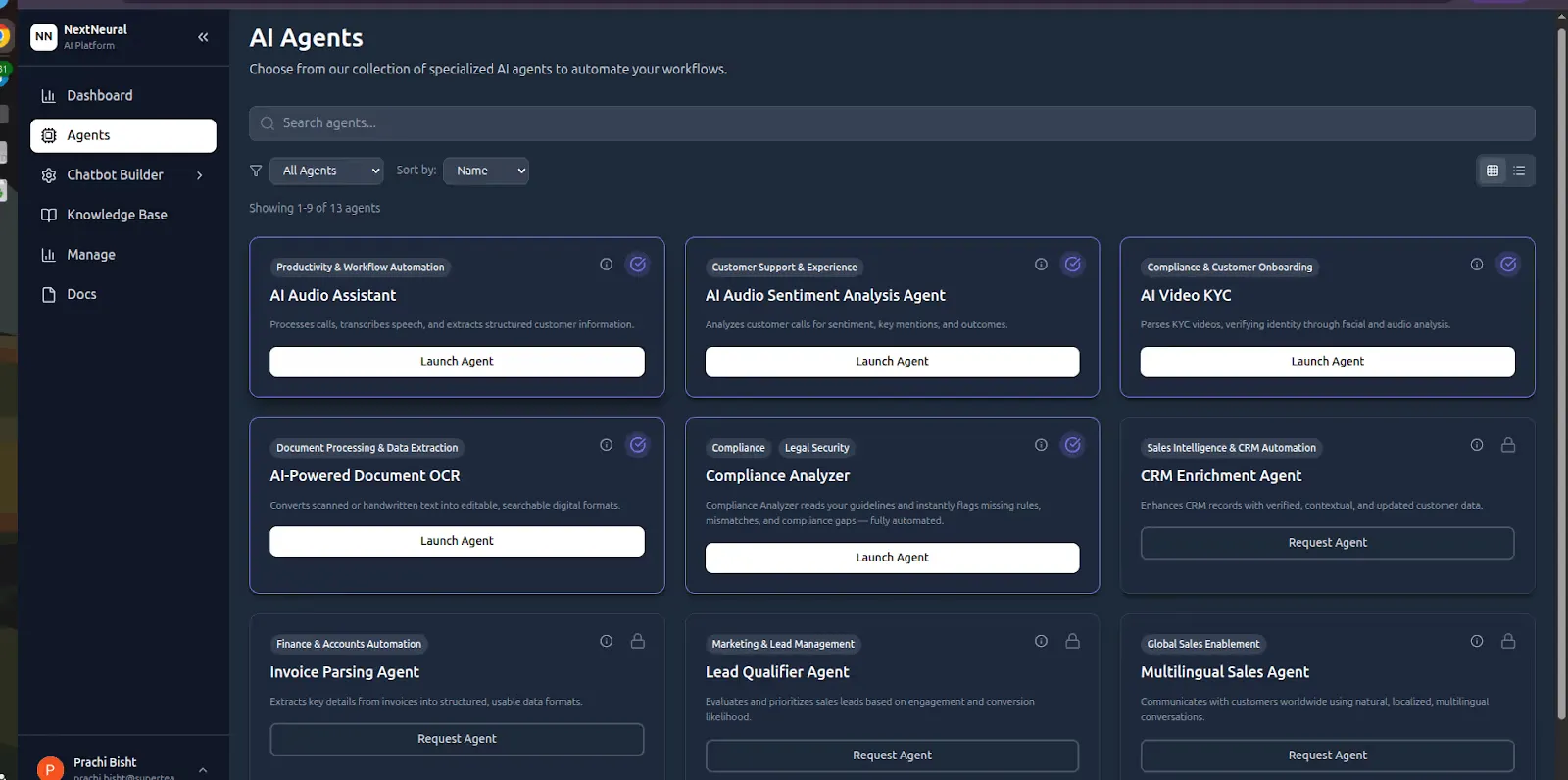
Once approved, you’ll land in the main dashboard with several pre-built agent options.
- Generate Your API Key
Navigate to Manage → API Keys and click Create API Key. Name it something memorable (like sales-analysis-prod) and store it securely; you’ll need it for every API call.

- Configure the Sales Call Analysis Agent
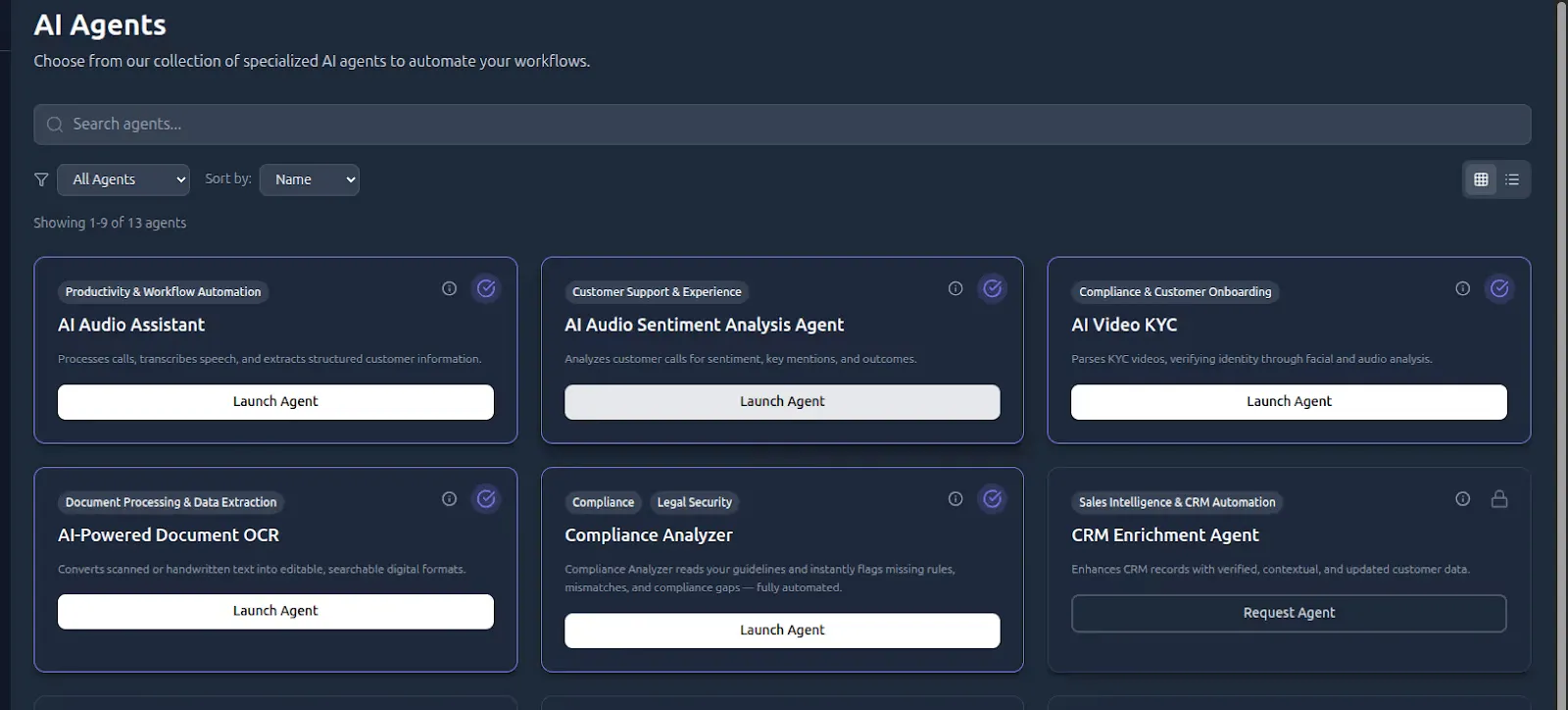
From the Agents section, find AI Audio Sentiment Analysis Agent and click Launch Agent.
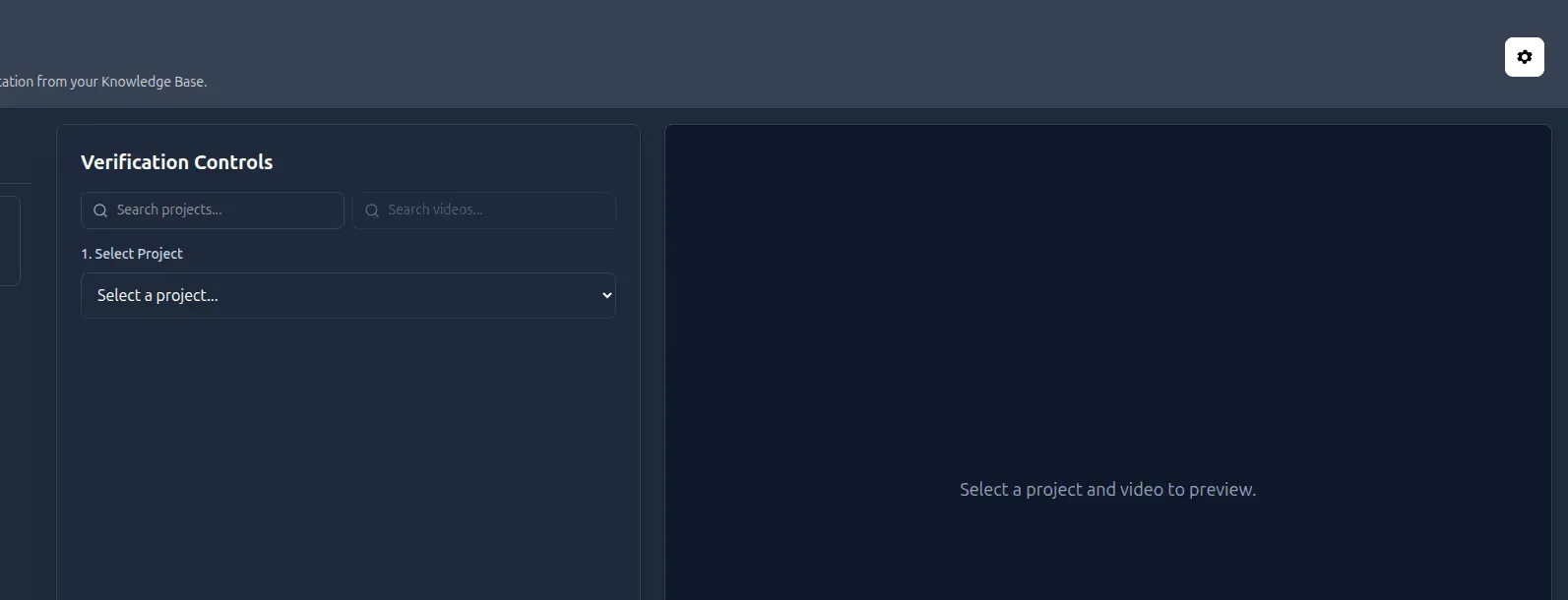
In the Settings panel, add your OpenAI and Replicate API keys. This connects the agent to its processing backends.
Building Your Analysis Pipeline
Now that the configuration is complete, let’s work with actual call recordings. We’ll use the terminal for these operations, but everything can be integrated into your application code.
- Verify Agent Status
First, confirm the agent is running:
curl -i https://nextneural-admin.superteams.ai/api/agents/sales_agent/health

- Organize with Knowledge Base Projects
NextNeural uses projects as containers for related documents. Think of them as organized workspaces for different teams, campaigns, or time periods.
curl -L "https://nextneural-admin.superteams.ai/_api/knowledgebase/projects" \
-H "Authorization: Bearer <API-KEY>" \
  -H "Content-Type: application/json"
The response would look like this:
[{"id":75,"name":"Database","description":"","created_at":"2025-12-16T09:58:21.309337Z","document_count":1}]
- Create a New Project
curl 'https://nextneural-admin.superteams.ai/_api/knowledgebase/projects/' \
  -H 'accept: application/json' \
  -H 'authorization: Bearer <API-KEY>' \
  -H 'content-type: application/json' \
 --data-raw '{"name":"project1","description":"project for Sales Agent"}'
Response:
{"id":80,"name":"project1","description":"project for Sales Agent","created_at":"2025-12-17T09:03:45.969195Z","document_count":0}%
Save the relevant project-id for the next step.
- Upload and Process Call Recordings
For this example, we’re using a sample recording from Kaggle’s sales call dataset. Download call_recording_10.wav to your local machine.
Upload the recording:
$ curl --location 'https://nextneural-admin.superteams.ai/_api/knowledgebase/documents/upload/78/' \
  -H 'Accept: application/json' \
  -H 'Accept-Language: en-US,en;q=0.5' \
  -H 'Authorization: Bearer <API-KEY>' \
  -F 'file=@/home//call_recording_10.wav' # full-path
The output looks like this:

Once uploaded, the file becomes available for agent-level processing.
- Processing the Call with the Sales Agent
Trigger analysis using the Sales Call Analysis Agent:
$ curl -X POST "https://nextneural-admin.superteams.ai/api/agents/sales_agent/analyze_call" \
  -H "Authorization: Bearer <API-KEY>" \
  -H "Content-Type: application/json" \
  -d '{    "file_name": "https://prod-nextneural.s3.amazonaws.com/media/knowledgebase_documents/call_recording_10.wav",
    "document_id": 147,
    "force_reprocess": false
}'- Use the full file path for file_name
- Remove any backslashes (\) if present
The output looks like this:

Understanding the Output
The analysis returns a comprehensive JSON object that breaks down the sales call into actionable intelligence. Here’s what each component tells you:
Core Metadata
- callDuration: Total length of the recording
- clientSentiment: Overall emotional tone detected across the conversation—“Positive” indicates a successful interaction
- productsMentioned: Automatically extracted product references (PR9876 printer) for tracking which offerings generate discussion
Conversation Intelligence
conversationSummary: A natural language synthesis of the key points—in this case, Christopher Green’s satisfaction with the PR9876 printer, emphasizing ease of setup, print quality, and speed improvements
pricingMentions: Captures any cost discussions (empty array here means pricing wasn’t a focal point)
actionItems: Extracted next steps or commitments (useful for automated follow-up tracking)
Detailed Transcript Analysis The transcript array provides timestamped, speaker-attributed dialogue. Each utterance is tagged with:
- speaker: Distinguishes between Client and Sales Rep for talk-time analysis
- text: The actual spoken content, useful for keyword searching or compliance review
Engagement Metrics
- alreadyEvaluated: Prevents duplicate processing when set to true
- isReevaluation: Tracks whether this is a fresh analysis or reprocessing with updated models
This structured output means you can immediately:
- Route positive sentiment calls to case study teams
- Flag pricing objections for manager review
- Measure product mention frequency across your call volume
- Calculate client-to-rep talk ratios (ideal conversations typically show 60/40 or 70/30 client-to-rep split)
For the example call, the positive sentiment combined with specific product praise (fast printing speed, excellent quality) suggests a strong candidate for a testimonial or upsell opportunity.
Start Building Call Intelligence Today
AI-powered sales call analysis isn’t just for enterprise teams with dedicated data science resources anymore. With NextNeural’s agent architecture, you can integrate sophisticated audio intelligence into your workflow with a few API calls without ML expertise required.
The platform handles the complexity of audio processing, transcription, sentiment analysis, and entity extraction, letting you focus on what matters: acting on insights. Whether you’re building internal tools for sales enablement, creating customer intelligence dashboards, or automating compliance reviews, this agent-based approach gives you production-ready capabilities from day one.
To try the platform, perform the following steps:
- Sign up at NextNeural.
- Explore the full range of AI agents beyond Sales Call Analysis.
- Join the growing community of developers building with intelligent agents.
Happy experimenting!

-Feature-Image.CjBFdO7y_Z1bTNvg.webp)