
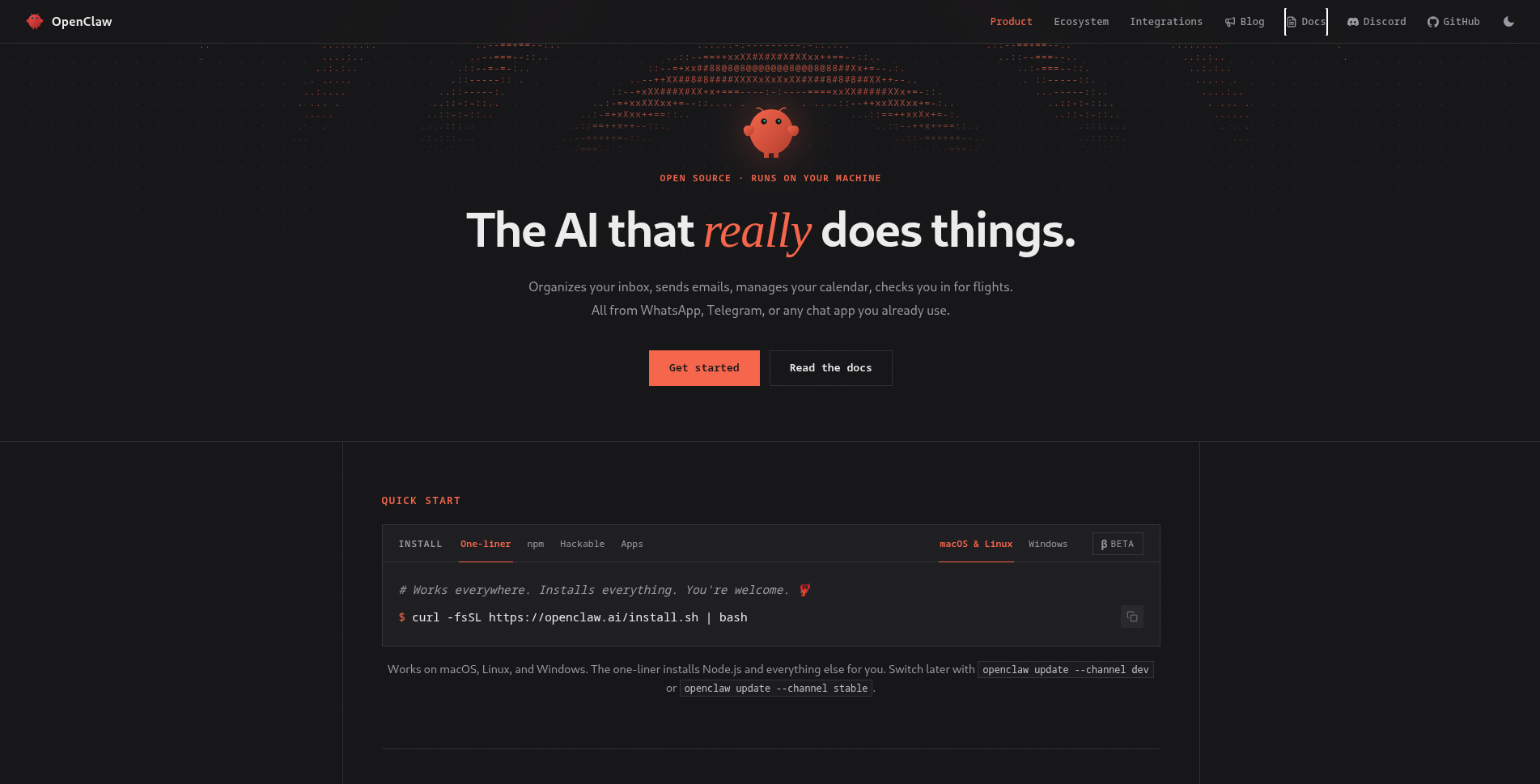
OpenClaw is an open-source autonomous AI agent framework created by Austrian developer Peter Steinberger and announced on January 29, 2026. It became one of the fastest-growing open-source projects in GitHub history, reaching 350,000+ stars and 70,000+ forks within months of launch. Rather than being a model itself, OpenClaw is an agent runtime: a persistent local process that wraps any capable LLM and gives it eyes, ears, and hands on your own machine.
Origin
The project began as Clawdbot in November 2025, built originally on top of Anthropic’s Claude API (hence the name). It passed through an intermediate iteration called Moltbot before Steinberger settled on the OpenClaw name in January 2026. The viral growth drew the attention of Sam Altman and Mark Zuckerberg, and on February 14, 2026, Steinberger announced he was joining OpenAI, handing stewardship of the project to a newly established non-profit foundation.
Architecture: Local-First, Always-On
OpenClaw inverts the typical AI assistant model. Instead of a cloud service that responds to requests, it runs as a persistent daemon on your local machine with access to your file system, shell, and network. The four core components are:
- Gateway: the kernel of the system. A single daemon process bound to loopback by default, invisible to external networks. Remote access is handled via Tailscale/VPN tunneling with challenge/nonce device-pairing authentication.
- Skills: plugins that give the agent specific capabilities (file management, browser control, email, calendar, code execution, etc.). Skills are the application layer; the Gateway is the OS.
- Channels: a protocol abstraction layer supporting 23+ messaging platforms including WhatsApp, Telegram, Discord, and Signal. Users interact with their agent through whichever platform they already use.
- Heartbeat: a scheduler that enables proactive, time-triggered behaviour. Unlike chatbots that only respond when spoken to, OpenClaw can initiate actions on a schedule, monitoring inboxes, filing reports, or sending summaries unprompted.
Memory is stored as plain Markdown files on the user’s machine: human-readable, portable, and not locked into any cloud service.
Model Agnosticism
Despite originating with Claude, OpenClaw treats LLMs as interchangeable inference endpoints. Users can route requests to Claude, GPT-4o, DeepSeek, Gemma, or any locally-running model via Ollama. The agent layer (planning, tool use, memory, and scheduling) is completely decoupled from the underlying model.
Model Providers & Specifications
Every model in OpenClaw is addressed as provider/model. Official plugins cover the major labs, with 15+ additional bundled plugins and full support for fully local, self-hosted inference:
| Provider | Example model reference | Auth | Notes |
|---|---|---|---|
| Anthropic | anthropic/claude-opus-4-6 | ANTHROPIC_API_KEY | Reuses the Claude CLI (claude -p); Claude 4.6 defaults to adaptive thinking |
| OpenAI | openai/gpt-5.6 | OPENAI_API_KEY | Default on fresh installs; ChatGPT/Codex OAuth variant also supported |
google/gemini-3.1-pro-preview | GEMINI_API_KEY | Also reachable via Vertex AI and an unofficial Gemini CLI OAuth bridge | |
| xAI | xai/grok-4.3 | XAI_API_KEY | Bundled plugin |
| DeepSeek | deepseek/deepseek-v4-flash | DEEPSEEK_API_KEY | Exposes /think xhigh|max reasoning-effort control |
| Moonshot (Kimi) | moonshot/kimi-k2.6 | MOONSHOT_API_KEY | Also routable through OpenCode-Go and Ollama Cloud |
| OpenRouter | openrouter/auto | OPENROUTER_API_KEY | Aggregator that routes to the best available backend |
| Ollama (local) | ollama/llama3.3 | none | Runs fully on-device, no API key required |
| LM Studio (local) | lmstudio/openai/gpt-oss-20b | none | Default endpoint localhost:1234/v1 |
| vLLM / SGLang (local) | custom endpoint | none | OpenAI-compatible; contextWindow and maxTokens are set manually in config |
Context window and max-token limits can be overridden per provider or per model, a requirement for self-hosted endpoints that don’t advertise their own limits:
{
  "model": "anthropic/claude-opus-4-6",
  "utilityModel": "anthropic/claude-haiku-4-5",
  "thinkingDefault": "adaptive",
  "providers": {
    "vllm": {
      "baseUrl": "http://127.0.0.1:8000/v1",
      "contextWindow": 196608,
      "maxTokens": 8192
    }
  }
}
Thinking Levels
A single /think <level> vocabulary (off → minimal → low → medium → high → xhigh → max → ultra, plus a provider-driven adaptive mode) maps onto each backend’s native reasoning-effort parameter, so switching providers doesn’t mean relearning a new reasoning-control API:
| Provider | Default | Behavior |
|---|---|---|
| Claude 4.6 | adaptive | Dynamic effort unless explicitly overridden |
| Claude Opus 4.7 / 4.8 | off | /think xhigh maps to adaptive thinking plus effort:"xhigh" |
| GPT-5.6 (Sol / Terra) | medium | Native /think ultra via the Codex runtime |
| Gemini 3.x | adaptive | Fixed levels map to the nearest thinkingLevel or token budget |
| DeepSeek V4 | medium | xhigh|max both map to reasoning_effort:"max" |
| Ollama (local) | medium | max maps to the native think:"high" flag |
Level resolution follows a fixed priority order: inline /think directive → session override → per-agent default → global default → provider fallback (typically medium).
Gateway Configuration & Chat Commands
The Gateway is driven by a single hot-reloaded file at ~/.openclaw/openclaw.json, and most edits apply live, with no restart required. External edits are treated as untrusted until they parse and validate, so a malformed save is rejected without corrupting the stored config. Every capability can also be reached as a slash-command inside any connected channel:
| Command | Effect |
|---|---|
/status | Show session and Gateway status |
/new / /reset | Start a fresh session / clear current history |
/compact | Force-compact the session to reclaim context |
/think <level> | Set reasoning effort for the current turn |
/usage | Show token and cost usage for the session |
/activation mention|always | Set whether the agent responds to every group message or only when @-mentioned |
Why It Went Viral
OpenClaw struck a nerve at the intersection of several trends: growing discomfort with cloud-based AI assistants holding personal data, rising interest in agentic systems, and the practical appeal of a single tool that works inside messaging apps people already live in. The “local-first” framing resonated strongly with developers and privacy-conscious users who wanted agent capability without cloud dependency.
Significance
OpenClaw demonstrated that production-grade autonomous agents do not require cloud infrastructure: a persistent local process, a capable LLM API, and a well-designed plugin system are sufficient. Its architecture influenced subsequent thinking about personal AI agents and became a reference implementation for the emerging category of always-on, ambient AI assistants.
Install OpenClaw and send your first message
# macOS / Linux / WSL2 one-liner: installs Node.js and everything else
curl -fsSL https://openclaw.ai/install.sh | bash

# Windows (PowerShell)
iwr -useb https://openclaw.ai/install.ps1 | iex

# Walk through provider selection, API key, and Gateway setup
openclaw onboard --install-daemon

# Confirm the Gateway is up
openclaw gateway status

# Send a test message on a connected channel
openclaw message send --target +1234567890 --message "Hello from OpenClaw"

# Talk to the agent directly, with a higher reasoning effort
openclaw agent --message "Ship checklist" --thinking high
Ready to build?
Leverage AI technologies to build your product stack
Superteams can help you build, deploy and launch AI application stacks using open source technologies — from architecture through to production.
Talk to Superteams